Skip to content
EN|DE

Adapted quickly

Changes in minutes, not quarters.

Whether you run Cinnamon yourself or take it as a service: the shape of the reporting lives in data, not in code. A new segment, an extra figure or another language is therefore a configuration, often a matter of minutes, not a development project with a release date.

What can change

Changes that need no development

Client requests rarely arrive on a release date. Most of what an institution asks for can therefore be configured rather than developed. These are the cases that come up most often.

01

Which building blocks the report contains

You decide which sections appear: performance, allocation, holdings, transactions, risk, sustainability, and which your client should not see at all.

02

The order they appear in

One client wants holdings before performance, another wants sustainability right after the overview. The order is a setting, not a piece of programming.

03

A new client segment

Family offices should get a different report from mandate clients: different structure, different depth, different tone. That is set up, not developed.

04

One more figure

The investment committee now wants duration in the overview. The figure is added and appears in every affected report from the next run.

05

A different breakdown

By region or rating instead of by asset class, or by a classification that exists only at your institution.

06

Another language

Italian for clients in Ticino: every label is translatable, and the report arrives in the recipient's language.

07

A new market commentary

Quarterly copy is written, approved and appears in the report, versioned and per language, without anyone touching a report.

08

Thresholds and presentation

When a deviation counts as notable, which period is preselected, how figures round: these are settings.

And where a request goes further, we build a new building block. It is then available to every report type, not only to the client who asked.

Building blocks

Over 100 ready-made building blocks

A report is assembled from building blocks: sections, tables, charts, metrics, layouts, editorial blocks, attribution calculations, sustainability graphics. We have already built more than a hundred and proven them in production, so a new requirement is usually a combination of existing ones. Where one is genuinely missing we build it, and it is then available to every report type.
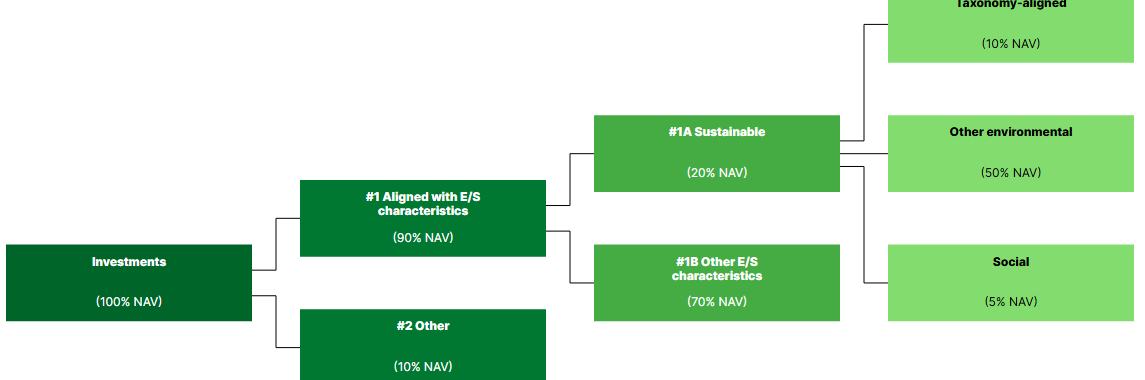
Allocation tree
Allocation tree
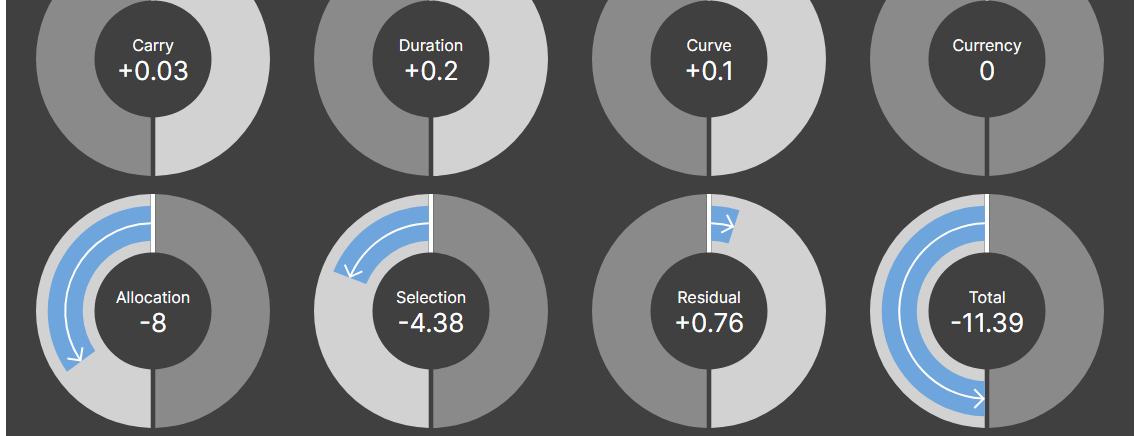
Attribution rings
Attribution rings
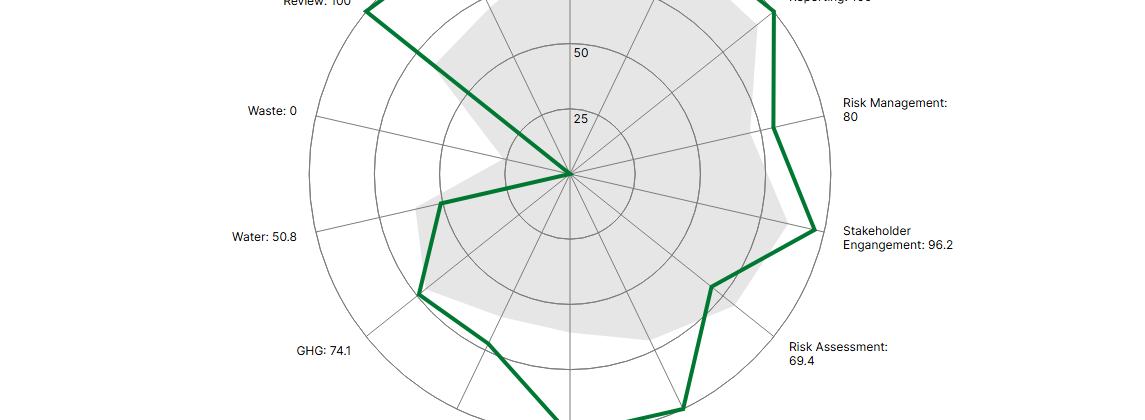
Radar
Radar
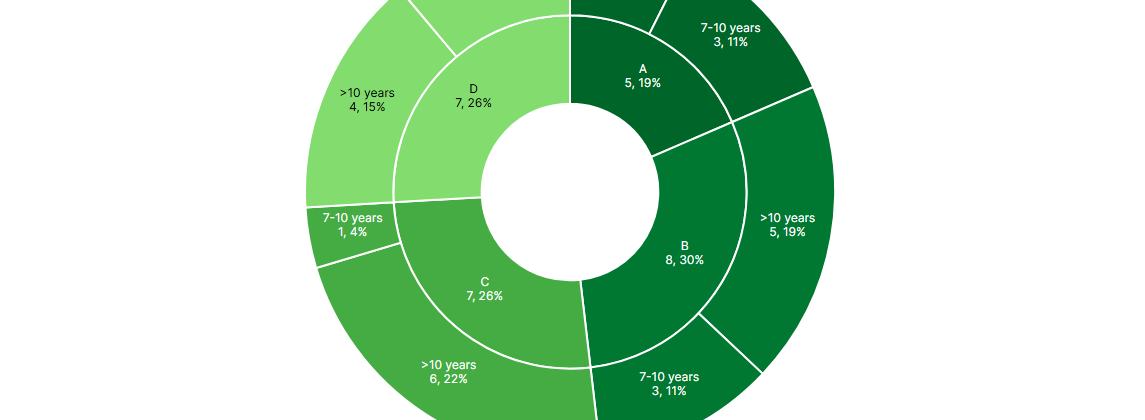
Sunburst
Sunburst
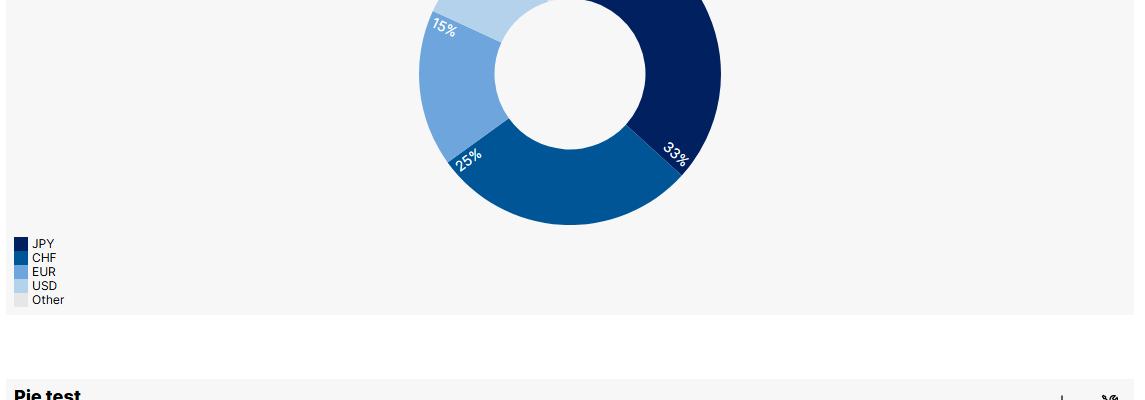
Donuts and pies
Donuts and pies
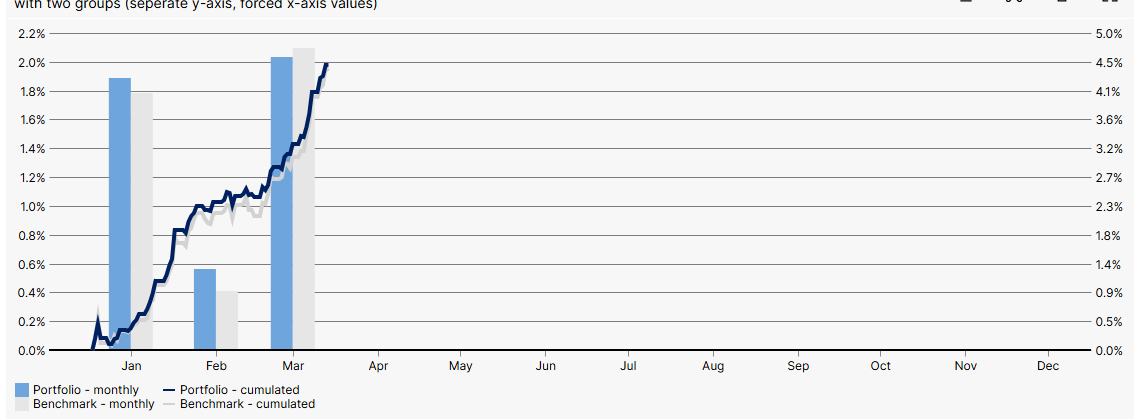
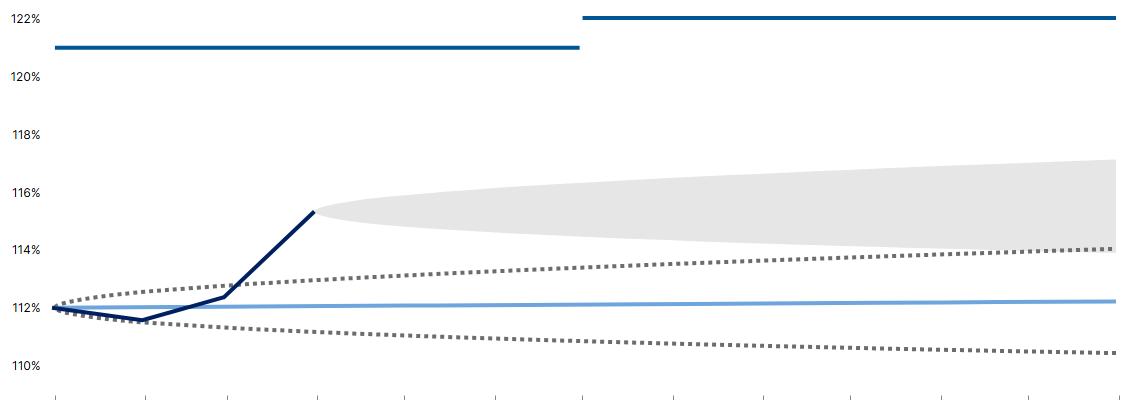
Lines and columns
Lines and columns
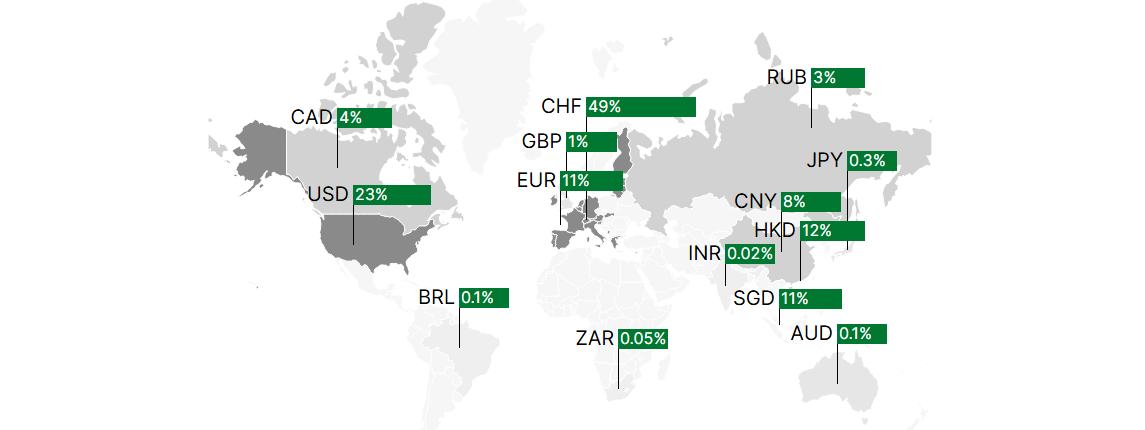
Maps
Maps
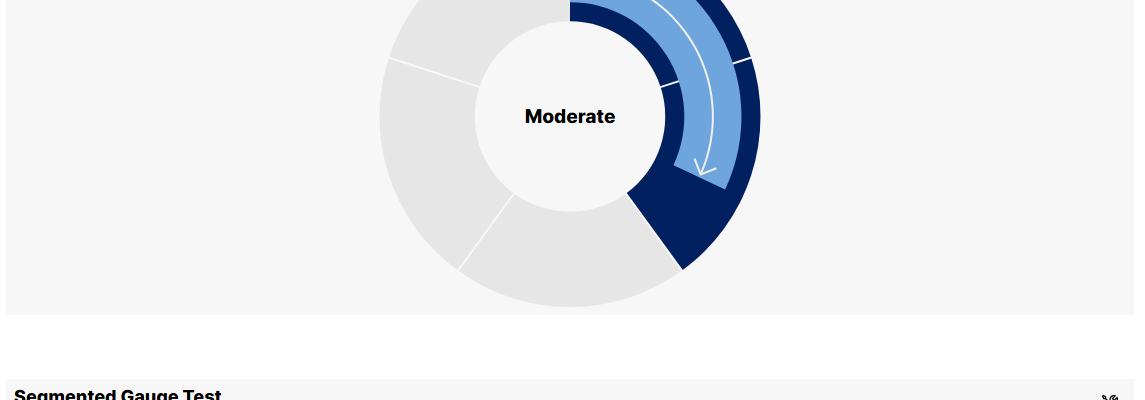
Gauges
Gauges
Funding ratios
Funding ratios
Core-satellite
Core-satellite
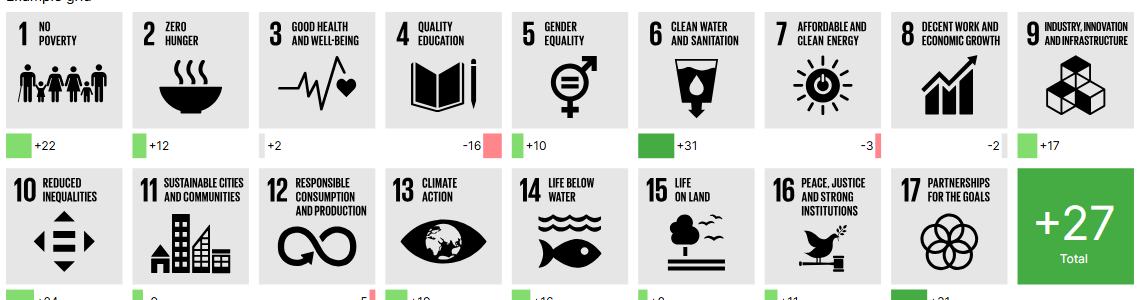
SDG scores
SDG scores

A selection from the catalogue. Each of these is finished, proven and available to every report type.
Catalogue

What already exists

This list is read out of the code of our production solutions, not out of a brochure: the CSAM solution, the ESG solution and the APER solution. Every entry is a building block producing client reports today.

Cover and master data

12 building blocks
  • Cover overview for mandate reports and two-pagers
  • Cover overview for fund reports
  • Cover key figures as a table
  • Cover key figures as metric tiles
  • Portfolio information, investment approach and reporting currency
  • Identifiers: ISIN, Valor, Bloomberg
  • Legal sales registrations by country
  • Contact details with photo
  • Partner name and custody bank details
  • Morningstar rating, NAV, strategy and bandwidths
  • Report metadata
  • Document footer with form number and production time

Asset breakdown and positions

15 building blocks
  • Asset breakdown by any segmentation, as a table
  • The same breakdown as a donut, bar, column or sunburst chart
  • Top and bottom positions for a given figure
  • Pivot table across two segmentations
  • Asset structure against strategy, with bandwidths
  • Asset structure across several reporting dates
  • Position list with freely configurable columns
  • Benchmark position list
  • Top and bottom positions with in-table bars
  • Core/satellite overview
  • Accounts and depots, optionally with the sum of currency forwards
  • Counterparties with their share of the portfolio
  • World map by figure and segmentation
  • Bond key figures, segmented by currency
  • Largest bond positions

Performance

12 building blocks
  • Performance overview, MTD/YTD and QTD/YTD
  • Yearly performance as a table
  • Yearly performance as a column chart
  • Cumulated monthly performance as a line
  • Rolling performance
  • Quarterly performance, as a table and as a chart
  • Annualised performance
  • Index list MTD/YTD, yearly and cumulated
  • Return chart with benchmark and maximum drawdown
  • Return detail: invested capital, price and currency result, dividends
  • Period returns over freely chosen intervals
  • Performance verification as an Excel sheet, per level

Contribution and attribution

9 building blocks
  • Performance contribution by segmentation, as a table
  • Performance contribution as a bar chart
  • Performance contribution as a scatter plot
  • Attribution effects by factor, as a table
  • Attribution effects as a bar chart
  • Attribution effects as gauges
  • Contribution and return detail per segment
  • Position returns, top and bottom
  • Return breakdown, portfolio against benchmark

Risk

10 building blocks
  • Ex-post risk overview
  • Ex-ante risk overview
  • Risk key figures for the cover
  • Contribution to risk by factor, as a table
  • Contribution to risk as a chart and as gauges
  • Historical ex-ante risk figures
  • Risk status as a gauge
  • SRRI class as a gauge
  • Risk and income profile on the seven-band regulatory scale
  • Volatility, tracking error and value at risk as a tile

Cash flows, income and costs

11 building blocks
  • Account statement, aggregated by month or quarter
  • Multi-year account statement, with inception to date
  • Projected cash flows for the next twelve months
  • Transaction list
  • MiFID income information
  • MiFID service cost information
  • TER overview
  • Cost transparency as a table and as a donut
  • TER and TTC detail table
  • TER at portfolio level
  • Expense and tax breakdown

Sustainability

13 building blocks
  • ESG characteristics of the portfolio
  • ESG overview
  • SFDR disclosures for the financial product
  • SFDR disclosures for the holdings
  • Alignment against all 17 UN Sustainable Development Goals
  • Implied temperature rise as a stepladder
  • Thermometer
  • ESG rating on a scale
  • Odometer
  • Checklist of met and unmet criteria
  • Fund look-through to the underlying positions
  • Sustainability indicator on the three-band scale
  • GRESB scoring by category

Overlay reporting

14 building blocks
  • Cover overview for overlay mandates
  • Football chart with tactical bandwidths
  • Performance overview, cumulated and per period
  • Overlay AuM overview
  • Overlay market data
  • Contribution overview
  • Portfolio tree
  • FX and currency allocation
  • Hedge summary
  • Position list for overlay mandates
  • Delta report
  • Currency forwards
  • Overlay FX rates
  • Overlay key figures

Alternative investments

4 building blocks
  • Holdings overview
  • Breakdown as a table
  • Breakdown as a chart
  • Allocation against strategic ranges

Guidelines, compliance and data quality

4 building blocks
  • Guideline analysis with a status per rule
  • Compliance rules
  • BVV2 limits per category
  • Data validation: a list of violations, empty when there are none

Text, layout and legal

7 building blocks
  • Disclaimers, maintained by the department responsible
  • Editorial rich text with values filled in
  • Paragraph with values filled in
  • Free HTML with calculated values
  • Legend, placeable independently of its chart
  • Table with two footers
  • Empty block as a layout placeholder

Fund factsheets

7 building blocks
  • Fund details
  • Fund attributes in the letterhead: type, distribution class, investor group
  • Fund metrics
  • Fund information
  • KPI table from Factset
  • Yearly and historic performance from Factset
  • Return chart from Factset

Building blocks are not tied to a report type. What exists in one solution can be taken into another, and if one really is missing we build it, and it is then available to all of them. The names here are the business reading: in the code each block also carries an identifier such as AB003 or RA007.

Next step

20 minutes live, and you ask the questions

We show Cinnamon on a complete report and answer your questions about how it fits your environment.

Free slots in the calendar, no Microsoft account needed.

Opens your mail client with the enquiry prepared.

Or call us:+41 44 454 84 84

Your contact

Thomas Tscherrig

Cinnamon · bmpi AG